
As an organization seeks to better understand its customer and manage a diverse line of services and products, operational, tactical and strategic dashboards are critical for planning and decision-making toolbox. Whether my dashboard provides the Executive Director a complete view of the organization as a whole, or the product line manager an interactive interface which allows exploration into the details of a particular product’s performance, any organization can benefit a well-built dashboard.
Achieving accuracy and consistency for all dashboards within an organization can be both a challenging and expensive task. I can deliver three categories of dashboards to my customers to ensure that the right type of presentation is delivered to the organization’s decision–makers …
• Operational Dashboards: Continuously monitor core business processes with real-time transactional data. Alert your managers upon thresholds being exceeded or upon an exception in the data.
• Tactical Dashboards: Provide the department manager with a quick view into how his or her department is performing and highlight areas of concern—so the manager can take action to forestall less-than-optimal performance.
• Strategic Dashboards: Provide senior managers and executives with a glance of the organization’s performance in relation to strategic goals. These dashboards are typically based upon data residing in one of the organizations data warehouses or data marts and contain time-stamped snapshots of data.
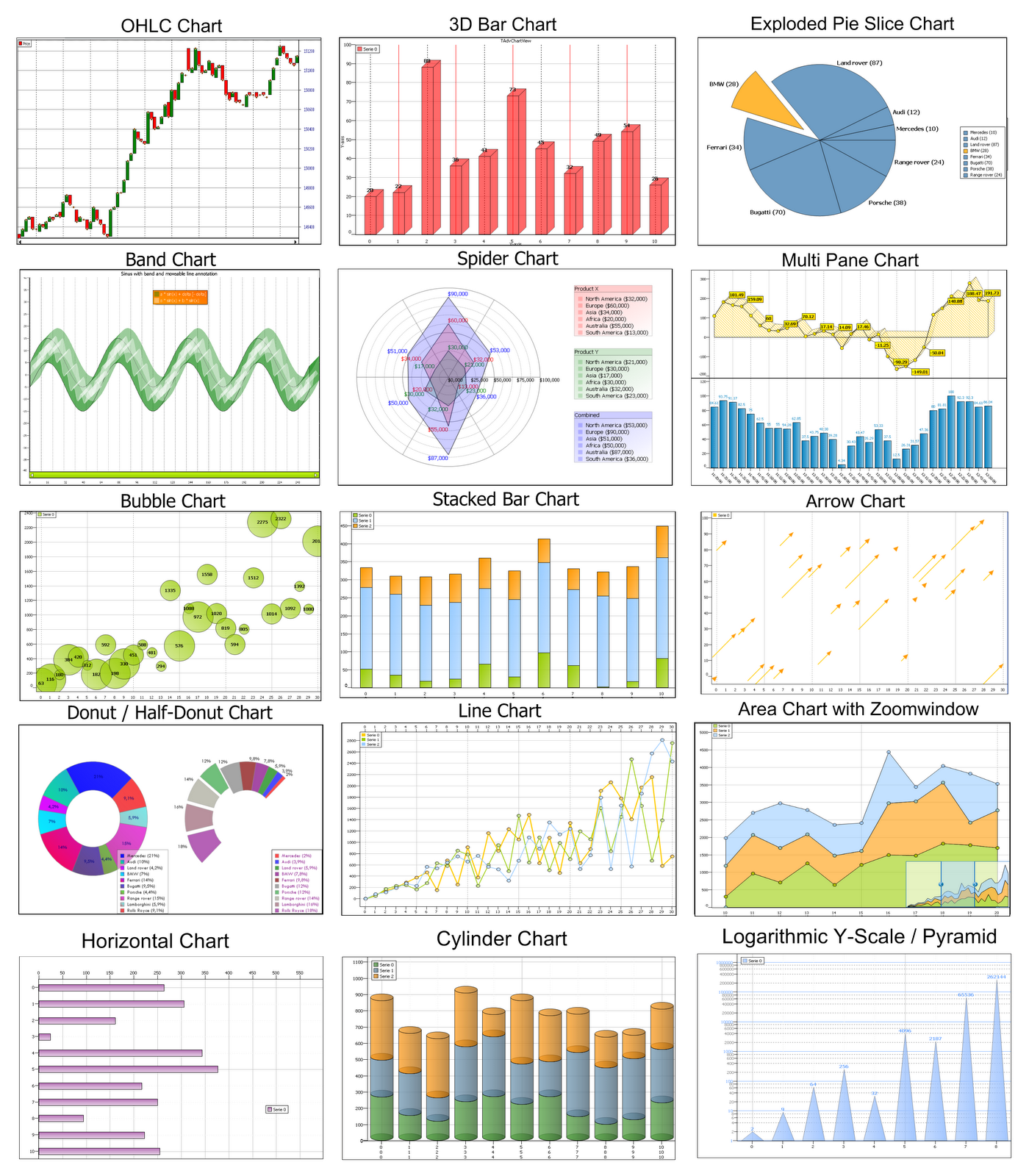
POWER BI
GOOGLE STUDIO
Visualization of Hadoop Cloudera Big Data VM
<b> CLIENT: </b><br>
Sample
<br><br>
<b> TASK: </b><br>
connecting tableau to Impala / Big Data
<br><br>
<b>SOFTWARE</b><br>
VMWare Player, Cloudera VM Image, Cloudera ODBC Connector, Tableau
